


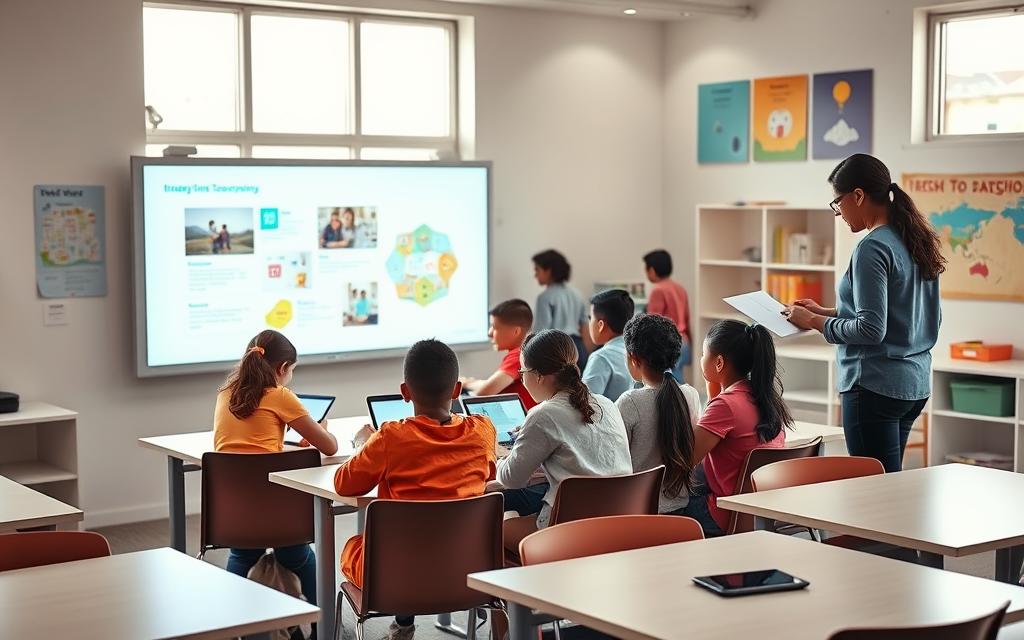
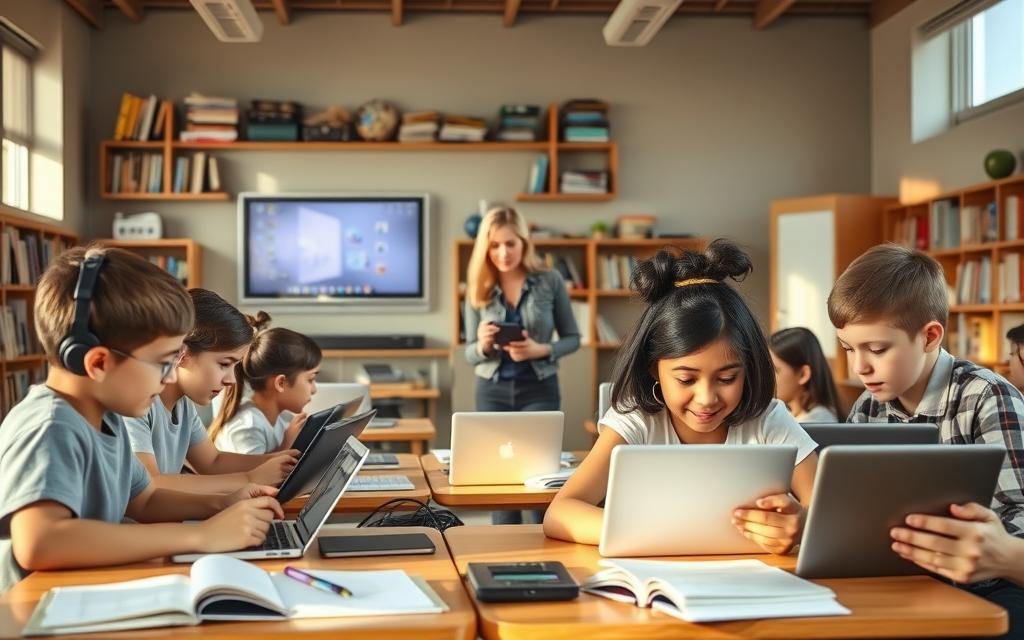
The classroom has changed a lot. Chalkboards are now digital whiteboards, and books are joined by tablets and laptops.
This change is more than new tools. It shows a big shift in how we use educational technology in teaching.
Studies show most teachers support this digital change. A huge 92% see the internet’s big impact on teaching resources.
Today’s digital learning makes learning more fun and easy to get to. It lets teachers teach in ways that fit each student’s needs and how they learn best.
This way of learning doesn’t just help students now. It also gets them ready for the tech needs of their future jobs and society.
The Transformation of Educational Technology
From overhead projectors to virtual reality classrooms, educational technology has changed a lot. This change has greatly affected how teachers teach and students learn in schools all over the world.
Historical Development and Current Trends
The story of EdTech started with basic audio-visual tools in the mid-20th century. Film projectors, language labs, and educational TV were the first tech tools in classrooms.
In the 1980s, schools got their first computers. This introduced digital learning to students. Educational software and computer training programs were added to traditional teaching methods.
Related Posts:
- What Is Clicker Technology Classroom Response Systems

- The Top Technology Trends to Watch in 2024

- How to Market Technology Reaching the Right Audience

- What Is Cloud Network Technology Samoa Limited A…

- What Is IR Technology Infrared Communication and Sensing

- What Is Moen Reflex Technology Smooth Water Flow Control

The 1990s internet revolution changed EdTech forever. Learning management systems like Blackboard and Moodle came out. They helped teachers manage digital content and track student progress better.
“Technology will not replace teachers, but teachers who use technology will replace those who do not.”
Now, we see a move towards cloud-based tools and adaptive learning. Google Workspace for Education and Microsoft Teams are key for interactive learning spaces.
Immersive tech is leading the way in education. Augmented and virtual reality are changing how students learn about complex topics, from history to science.
Key Milestones in EdTech Adoption
The use of educational technology has grown over time, with key steps making it more advanced. Each step has built on the last to create better learning tools.
The pandemic sped up EdTech adoption worldwide. Schools quickly started using remote learning, making blended learning models a must.
| Time Period | Technology Introduced | Educational Impact | Adoption Level |
|---|---|---|---|
| 1960s-1970s | Audio-visual equipment | Enhanced visual learning | Limited to wealthy districts |
| 1980s-1990s | Personal computers | Computer literacy skills | Growing institutional adoption |
| 2000-2010 | Internet and LMS platforms | Digital content organisation | Widespread in secondary education |
| 2010-2020 | Mobile devices and apps | Anywhere, anytime learning | Nearly universal in developed regions |
| 2020-Present | AI and immersive tech | Personalised learning pathways | Expanding rapidly across institutions |
Today, schools use blended learning that mixes old and new teaching methods. This mix helps meet different learning needs.
The ongoing change in EdTech means it will keep evolving. Future tech will likely make learning even more personal and immersive.
How Is Technology Good for Students: Expanding Access to Knowledge
Educational technology has changed how students learn. It has opened up new ways to access information. Now, students can learn more than ever before, outside of school.

Digital Resources and Online Learning Materials
Today’s students have access to many digital tools. These tools change how we learn and understand new things.
Digital libraries and online databases give quick access to articles and research. Open Educational Resources offer free, quality content to go alongside textbooks.
Interactive modules and multimedia make hard topics easier to grasp. Students can learn through videos, simulations, and interactive exercises.
Utilising Platforms like Khan Academy and BBC Bitesize
Platforms like Khan Academy have changed how we learn extra. They offer video lessons and practice exercises to help students learn.
Khan Academy covers many subjects, from maths to art history. It has adaptive exercises that help students learn at their own speed.
BBC Bitesize gives British students resources that match the curriculum. It has revision materials, interactive activities, and tools for tests.
These platforms show how technology makes learning fair for everyone. Students from different backgrounds can use the same quality materials.
Online learning resources let students study when it suits them. They can go back to hard topics whenever they need to.
Educational technology keeps getting better, offering more advanced learning tools. This means students have the best tools right at their fingertips.
Enabling Personalised Learning Pathways
Technology has greatly helped in making learning more personal. It lets teachers create special learning plans for each student. These plans match what each student needs and likes to learn.
Adaptive Learning Systems and Individualised Instruction
Adaptive learning tech has changed how we learn in class. It checks how well students are doing and changes the lessons to fit their level. This makes learning more effective for everyone.
It finds out what students know and what they need to learn. Then, it gives them the right materials at the right time. This way, students get exactly what they need to learn.
Ryan Greene from Walden University talks about how this helps different learners. He says some students show they understand by making infographics, not just tests.
This means all learning styles are valued and checked. The system changes to fit the student, not the other way around.
Benefits for Student Progress and Achievement
Adaptive learning tech really helps students do better. They feel less stressed and more confident because they learn at their own speed.
It keeps students interested by not making things too easy or too hard. This keeps them focused on learning.
Teachers get to know what each student needs better. They can help each student more effectively. The tech gives them detailed reports on who needs extra help or can move faster.
This way, no student is left behind, and advanced learners can move ahead. The classroom becomes fairer, where everyone can reach their best.
Increasing Student Engagement and Interest
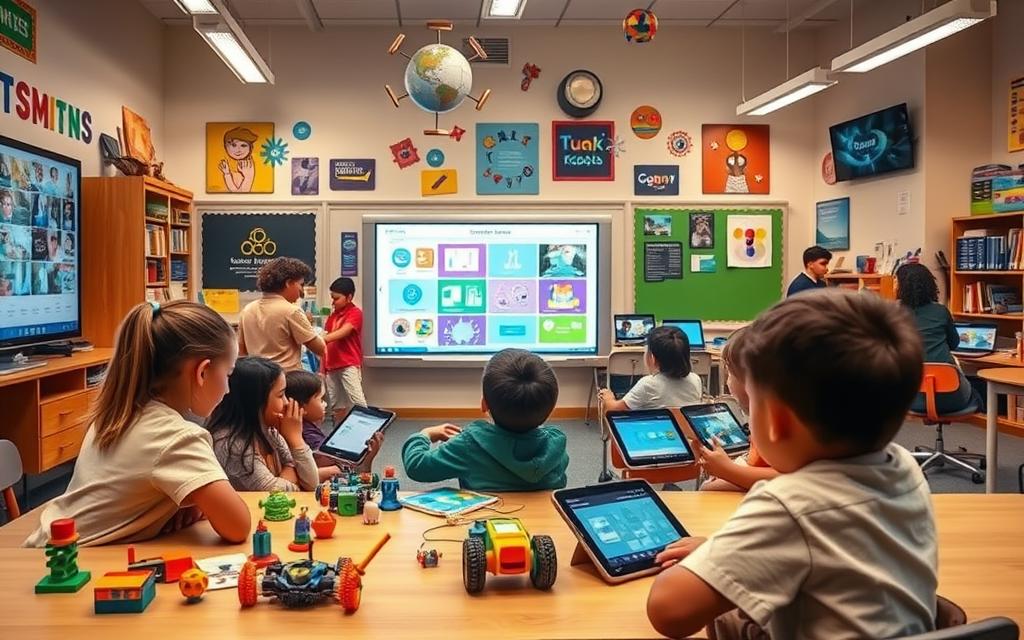
Educational technology changes learning by making it more active. This change turns classrooms into places where students want to learn, not just sit and listen.
Interactive and Multimedia Learning Tools
Today’s classrooms use tools that excite many senses at once. These tools help different learners and make hard subjects fun.
Studies show that interactive learning helps students remember more. They do better when they’re involved in what they’re learning, not just reading or listening.
Examples: Educational Games and Virtual Simulations
Teachers use many fun ways to get students involved:
- Kahoot! turns tests into fun games that get everyone involved
- Apps like Duolingo make learning languages feel like a game
- Virtual tools let biology students explore without real specimens
- Augmented reality brings history to life in class
Advanced tech offers deep experiences. Virtual field trips take students to places like the Grand Canyon or ancient Rome. These trips make hard-to-understand topics clear and memorable.
Research shows that 97% of students find gamified learning fun. This shows how tech can change education for the better.
These tools do more than entertain. They help students learn deeply through hands-on experiences. This approach sparks real curiosity and helps students remember what they learn.
For more on how technology supports student engagement, check out this article.
Fostering Collaboration and Teamwork
Digital tools have changed how students work together. They create chances for real teamwork that goes beyond school. Technology helps students learn to work together on projects.
Group Projects Using Digital Platforms
Today’s educational tools make teamwork easy, even when students are far apart. Teachers see more students helping each other when they use technology. This makes sharing knowledge a natural part of learning.
These tools work for both working together at the same time and at different times. Students can work on projects when it suits them best. This flexibility is like what they’ll see in future jobs.
Google Workspace for Education has tools made just for teamwork. It includes:
- Google Docs for editing and commenting together
- Google Sheets for working on data together
- Google Slides for making presentations together
- Google Drive for safe file sharing
These tools help students give and get feedback easily. They can comment on each other’s work and edit documents together. Everyone gets updates right away, keeping everyone involved.
One teacher said: ‘The quality of feedback has improved a lot since we started using these tools. Students are more comfortable giving and getting feedback from each other.’
This digital learning space teaches students about teamwork and project management. It prepares them for the modern workplace. Being able to work well in digital teams is key in many jobs.
Google Workspace is great for teamwork. Teachers can set up special folders for each project. This keeps things organised while giving students freedom in their work. It also helps teachers see who did what in the project.
As students get used to working together online, they improve their communication skills. They learn to handle the challenges of team projects. This experience with Google Workspace and similar tools prepares them for the teamwork needed in today’s jobs.
Building Critical Digital Literacy Skills
Technology in schools gives students key skills for today’s digital world. These skills help them face challenges and seize opportunities outside the classroom.
Preparing Students for Modern Careers
Today, employers want people with digital skills. Studies show that most students believe learning with technology prepares them for the future. It’s not just about knowing how to use tools.
Students learn skills that employers need:
- Professional communication through email and collaboration platforms
- Data management using spreadsheet and database applications
- Online research and information verification techniques
- Digital project management and workflow organisation
These skills are what modern literacy looks like. Technology teaches students to use platforms, tools, and communicate well.
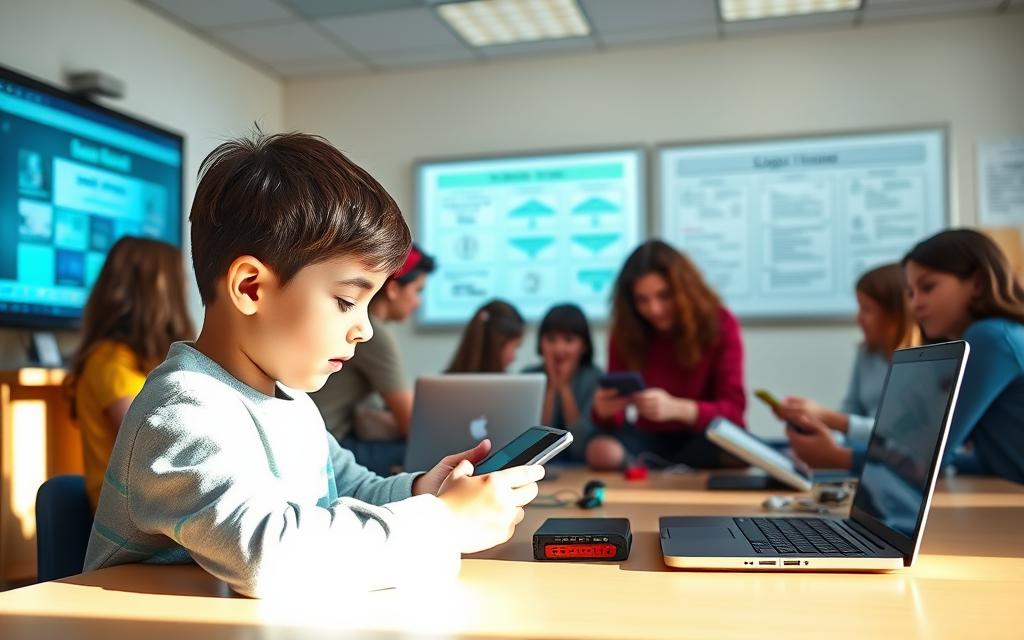
By making technology a part of learning, all students get to develop digital literacy. When technology is used in core subjects, students learn to use digital tools in a meaningful way.
Students also learn to check if information is trustworthy. They learn to spot reliable sources from fake ones, improving their media literacy.
By learning to use tools like Microsoft Office and online platforms, students get skills that employers want. This makes them ready for the changing job market.
Standards that focus on digital literacy ensure all students get these important skills. This way, technology helps achieve educational goals and builds useful life skills.
Supporting Inclusive and Accessible Education
Educational technology has changed how we learn, making it better for everyone. It helps create places where all students can do well. Tools now offer support that fits each student’s needs, keeping learning high.
Assistive Technologies for Diverse Learners
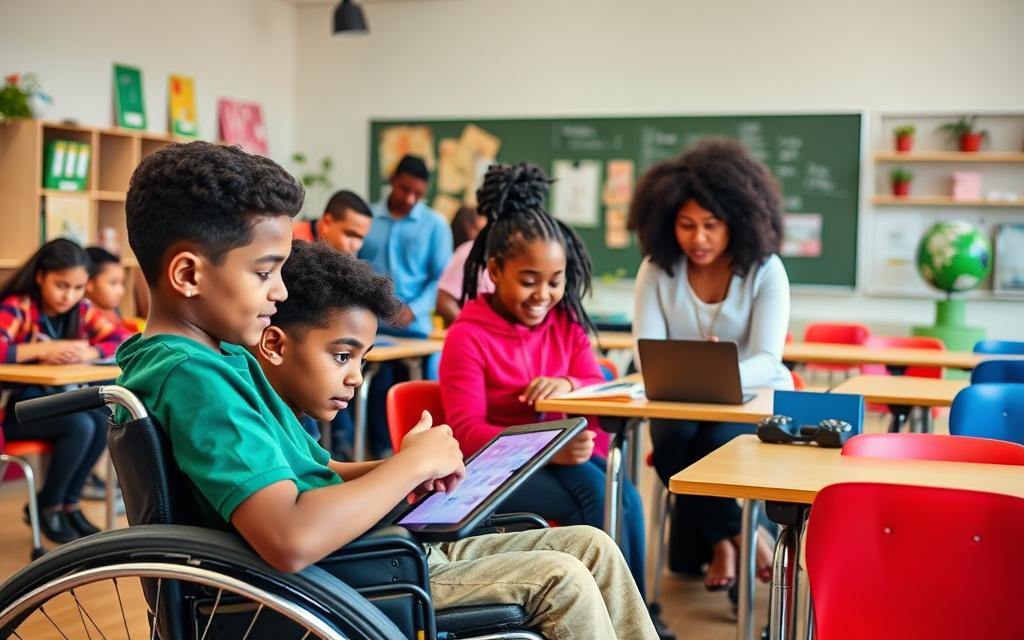
Now, there are special tools for students with different learning needs. These technologies change how content is shown and how students respond, fitting each learner’s abilities.
Text-to-speech software helps those who struggle with reading. Speech recognition lets students write with their voice. Tools for visually impaired students make digital content easier to use.
“Technology creates pathways for differentiated instruction to meet the unique needs of students as individual learners.”
These tools help students with physical or cognitive differences show what they know. Digital tools let teachers offer different ways for students to learn and show what they’ve learned.
Applications for Students with Special Educational Needs
There are special technologies for different learning challenges:
- Dyslexia support: Tools like text-to-speech and word prediction help with reading and writing
- Physical accessibility: Adaptive keyboards and eye-tracking systems help those with motor issues
- Visual impairment: Screen readers and braille displays make digital content accessible
- Autism spectrum: Apps for organisation and communication help with social skills
These tools make learning personal. Students use tools that fit their needs, not one-size-fits-all methods.
The real strength of these technologies is in offering multiple means of representation, engagement, and expression. This way, all learners can access and engage with content in their own way.
Using these technologies well needs training and support. Teachers must learn how to use them in class. Also, technical help should be ready when students need it.
When used well, these technologies make education inclusive. They help all students succeed, no matter their learning or physical challenges.
Navigating Potential Drawbacks and Solutions
Educational technology brings many benefits, but we must also face its challenges. A careful approach balances its advantages and drawbacks. This ensures technology helps, not hinders, learning.
Managing Screen Time and Digital Equity
Too much screen time is a big worry in digital learning. Schools need to manage screen time well, not just limit hours. They can mix digital and traditional learning to keep things balanced.
The issue of digital equity is also critical. Not all students have the same access to technology or internet at home. This can widen the gap in education if not tackled.
Fixing these issues needs teamwork from teachers, parents, and policymakers. It’s about meeting each student’s needs and tackling bigger issues that affect technology access.
Best Practices for Balanced Technology Use
Clear rules are key to using technology wisely. These rules should cover how long to use screens, when to take breaks, and what’s expected online. Sticking to these rules helps students learn good tech habits.
Here are some proven ways to use technology well:
- Make sure there are screen-free times during the day
- Add activities that involve moving and hands-on learning between tech use
- Use tech only when it’s really needed, not as the first choice
- Teach students about digital health and how to manage their tech use
To tackle digital equity, schools can try a few things:
- Start device lending programmes for students without access
- Work with local groups to offer internet options
- Offer offline tasks when digital ones aren’t needed
- Push for policies that make sure everyone has access to tech
Training teachers is vital for good tech use. Teachers who know how to manage screen time can guide students better. Keeping up with tech changes is important for them.
Teaching parents is also crucial. When families know and follow school rules, they can help students use tech wisely at home. This teamwork ensures students learn the right way to use technology everywhere.
By using these structured methods, schools can make the most of technology. The aim is to create places where tech helps learning, not hinders it.
Conclusion
Technology has changed education a lot, making learning more fun and easy to get to. It uses interactive tools to keep students interested and tailors lessons to fit each student’s needs. Digital tools also help students work together and access lots of information from all over the world.
Using technology wisely helps students learn important skills for the future. These skills go beyond just knowing how to use technology. They include solving problems and thinking critically. Students learn to understand and use information wisely in our digital age.
Walden’s Ryan Greene says, “Take the risk. Try something new.” Teachers should use technology’s power but also think about the downsides like too much screen time and not everyone having access. This way, technology can help students get ready for the future and think critically, which is key for school and work.
FAQ
How has educational technology evolved over time?
Educational technology has grown a lot. It started with simple audio-visual aids. Now, we have interactive digital tools and devices for each student. Key moments include the arrival of personal computers, the internet, and learning systems like Blackboard and Moodle.
Recently, we’ve seen more remote and hybrid learning. Today, we use cloud tools like Google Workspace, adaptive learning software, and even AR and VR in schools.
In what ways does technology expand access to knowledge for students?
Technology makes learning easier for everyone. It removes old barriers like cost and location. Now, students can learn from anywhere with the internet.
Online resources like Khan Academy and BBC Bitesize offer free learning materials. This lets students learn at their own pace, anytime.
How does technology support personalised learning?
Technology helps tailor learning to each student. It adjusts the difficulty of lessons based on how well they do. This keeps students interested and challenged.
Tools let students show what they know in different ways. For example, they can make infographics. This helps teachers teach better and helps students learn more.
Can technology increase student engagement in the classroom?
Yes, it can. Technology makes learning fun and interactive. It uses games, apps, and multimedia to engage students.
Tools like Kahoot help with quizzes. Simulations and AR/VR make learning exciting. They make hard topics easy to understand.
How does technology foster collaboration among students?
Technology helps students work together. It makes group projects easier with digital tools. Google Workspace, for example, lets students work together in real-time.
This teaches important skills like teamwork and communication. It prepares students for the modern workplace.
What essential skills does technology help students develop?
Technology teaches more than just school subjects. It helps students learn digital skills like managing information and communicating online. Tools like Microsoft Office and online platforms teach skills employers value.
How does technology promote inclusivity in education?
Technology helps all students learn together. It offers tools for students with special needs and different learning styles. Assistive technologies help everyone learn and succeed.
What are the potential drawbacks of using technology in education, and how can they be addressed?
Too much screen time and distractions are problems. But, we can solve these with good policies and balanced learning. Programs can help close the digital gap.
Teaching students how to use technology wisely is also key. This helps them stay focused and avoid distractions.
Why is integrating technology thoughtfully important in education?
Using technology wisely is crucial. It makes learning better, more personal, and accessible. It helps students learn to work together and develop important skills.
The goal is to prepare students for the future. We must use technology in a way that helps students think critically and succeed.
