


Modern education is all about new tools that change old ways of teaching. Classroom response systems are key in making learning better.
These systems let teachers get answers from students fast and privately. This helps give feedback right away and gets more students involved. It works best when teachers have clear goals.
The real strength of these tools is how they’re used. When done right, they make learning more interactive and help students learn more. They help teachers see how students are doing and improve teaching.
These systems do more than just ask questions. They help make classrooms more active and engaging. They help teachers create a learning space that works for everyone.
Defining Clicker Technology and Its Core Purpose
Classroom response systems are a bridge between teachers and students. They make learning interactive and engaging. Clicker technology lets teachers ask questions and get answers from everyone in class.
It’s not just about voting. It helps shy students feel included. Teachers can see how well students understand the material. This helps them teach better.
The Evolution from Simple Devices to Digital Systems
The history of clickers started with Classtalk in 1992. It was the first classroom response system. But it was hard to use and not many schools had it.
By 1997, there were Windows-based systems. They were better but still needed special hardware. Infrared clickers came next but had their own problems.
Related Posts:
- How Technology Is Good for Students Enhancing Learning
- The Top Technology Trends to Watch in 2024

- How to Market Technology Reaching the Right Audience

- What Is IR Technology Infrared Communication and Sensing

- What Is Moen Reflex Technology Smooth Water Flow Control

- What Is Cloud Network Technology Samoa Limited A…

The big change was to radio frequency clickers in the early 2000s. Systems like Turning Point made teaching easier. They worked well in big classes and collected more data.
The biggest leap was to BYOD models. Top Hat (2008) and iClicker Reef let students use their phones and laptops. This made learning more flexible and easy to access.
Today’s systems have advanced analytics and games. They work well with digital learning tools. This shows how far education technology has come, as explained in this classroom response system overview.
The Pedagogical Foundations of Interactive Response Systems
Classroom clickers are more than just tech. They’re built on years of research and learning methods. These systems work because they match up with teaching ideas that focus on getting students involved and understanding.
Active Learning Theory and Student Engagement
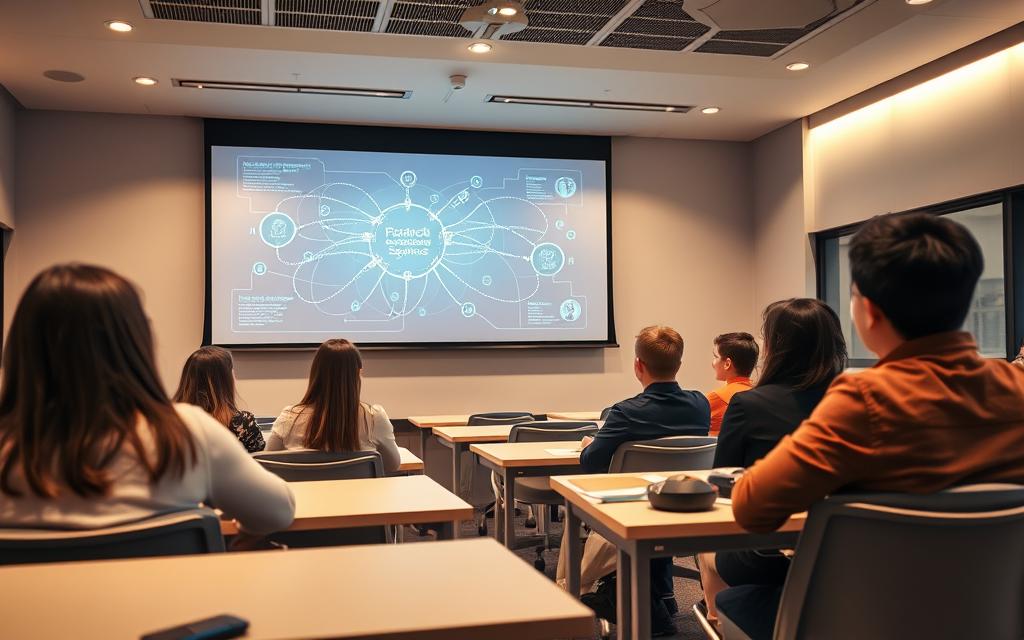
Active learning theory is key to using clickers well. It makes students do more than just listen. They get to interact with the material directly.
Studies show students learn more when they’re actively thinking. Clickers help make this happen. Students have to think hard and come up with answers, which helps them understand better.
Eric Mazur from Harvard shows how this works with peer instruction. He uses questions to get students talking and solving problems together. Clickers help teachers ask questions, get answers, and start discussions.
This turns classrooms into places where everyone works together. Students learn from each other and get different views. The tech helps make these important talks happen.
Formative Assessment and Immediate Feedback Principles
Formative assessment is another big idea behind response systems. It’s about checking in on students as they learn, not just at the end. Clickers make this easy with quick, easy questions.
Immediate feedback is very important in class. Clickers give teachers and students quick answers. Teachers can see what students get and what they don’t, and students know if they’re getting it.
This feedback loop helps everyone. Teachers can change their teaching on the fly, and students know what they need to work on. It’s a big help in making sure students learn well.
Studies back up how good this is. Regular checks and quick feedback really help students learn. Even in big classes, it’s easier to use clickers than to ask questions one by one.
Together, these ideas make learning better. Active learning theory gets students thinking, and formative assessment and immediate feedback help them understand. The tech helps these goals, not the other way around.
How Classroom Clicker Systems Operate in Practice
Classroom clicker systems work by linking teacher and student in a unique way. They turn lectures into lively learning experiences. This happens through a feedback loop that makes learning fun and interactive.
The Student Experience: From Question to Response
Students see clicker questions on a screen or hear them from the teacher. These questions can be multiple-choice, true/false, or numbers.
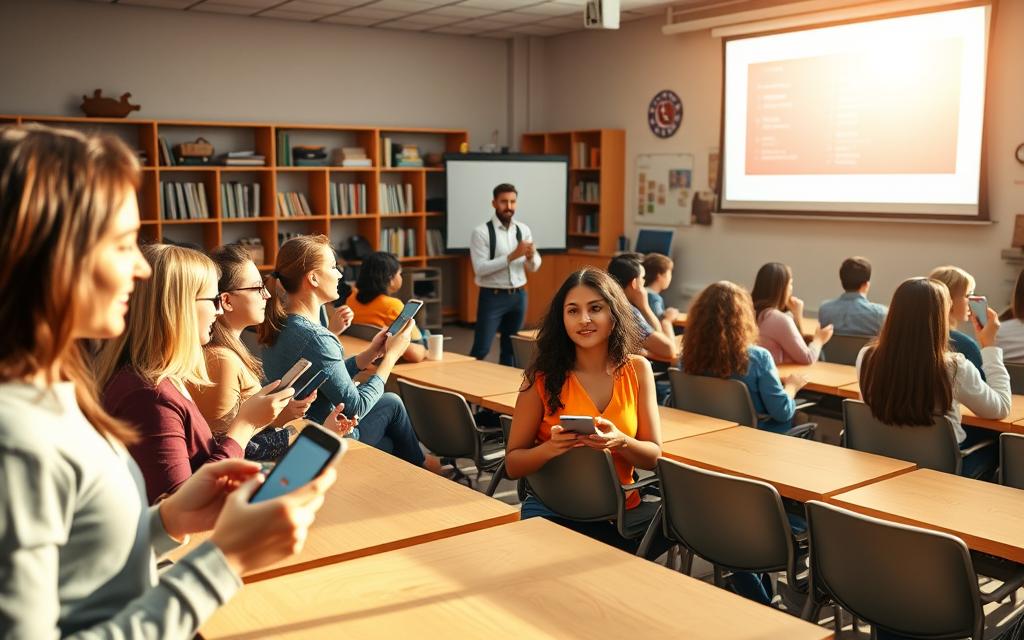
Students use special devices or apps on their phones to answer. They get instant feedback, like a green light or vibration, to know their answer is recorded.
This method makes sure everyone can share their thoughts without fear. It’s a way to include everyone, making sure all voices are heard.
The Instructor’s Perspective: Administration and Data Collection
Teachers prepare questions before class using special software. They can add these to slides or use them on their own.
During class, teachers ask questions to check if students understand. The system collects answers from all devices right away.
The teacher’s dashboard shows the answers in charts or percentages. This helps teachers see how well the class is doing.
After class, the system keeps all the answers. This lets teachers:
- See how each student is doing over time
- Find out where students need more help
- Use answers for grades
- Make better questions for future classes
This way, teachers get lots of useful information. They can change their teaching to help students better.
Primary Benefits of Implementing Clicker Technology
Classroom response systems do more than just add tech to the classroom. They make learning more active and engaging. Every student gets a chance to participate, leading to better learning outcomes.
Enhancing Student Participation and Attention
Old-style lectures often leave quiet students out. Clickers change this by giving everyone a say. Studies show 87% of teachers see more students participating.
For shy students, clickers are a game-changer. They can share their thoughts without fear. This makes the class more representative of everyone’s understanding.
Using clickers also boosts attendance. Students stay focused, knowing they’re part of the lesson. This cuts down on distractions and keeps everyone on track.
Facilitating Real-Time Comprehension Checks
One big plus of clickers is getting feedback right away. Teachers can see if students get it as they go. This helps fix any confusion quickly.
Clickers show how well the class understands different topics. Teachers can see what needs more work and what’s clear. This makes teaching more effective.
Research by Caldwell (2007) and Kaleta & Joosten (2007) shows better learning with these checks. It stops confusion from building up.
Supporting Differentiated Instruction and Inclusivity
Clickers help with different learning needs. They offer various ways to respond, fitting different learning styles. This makes learning more inclusive.
With anonymous responses, all students can share their thoughts. This makes the class more diverse and accurate in understanding.
Teachers can tailor lessons better with clicker data. They can see who needs extra help or a challenge. This makes learning more accessible for everyone.
Also, schools see fewer students dropping out. With more engagement, students stay interested in their studies.
Common Challenges and Considerations for Adoption
Classroom response systems have many benefits. But, schools must think carefully before using them. A good plan helps use the tech well and keeps teaching smooth.
Technical Infrastructure and Reliability Concerns
Good tech setup is key for clickers to work well. Web systems need strong Wi-Fi everywhere. Radio systems must be set up right to avoid problems.
Issues like devices not connecting or software crashing can mess up lessons. Schools should test their networks and try out the tech before using it everywhere.
Another challenge is making sure all devices work together. Students use different phones, tablets, and laptops. Schools need to plan and test to make sure everything works well together.
Pedagogical Integration and Effective Question Design
Clicker tech is most useful when used well in teaching. Just adding questions to lectures isn’t enough.
Creating good questions is an art and science. Good questions:
- Check if students really understand, not just remember
- Start discussions and help students learn from each other
- Show what students often get wrong
- Change based on what students answer
Teachers need training to write these kinds of questions. They should learn to use clicker data to improve their teaching on the fly.
Cost Analysis and Budgetary Implications
Thinking about the money is important when adopting clickers. Schools have to pay for the tech, software, and updates.
Students often have to buy their own clickers, which can be expensive. This can be hard for students who don’t have much money.
When looking at costs, consider:
- What it costs to buy the tech and software
- What it costs to keep it running
- How much students have to spend on devices
- Any savings from using less textbooks
Many schools are now letting students use their own devices. This can save money and still work well.
Leading Clicker System Providers and Their Solutions
The educational technology market has many providers of classroom response systems. They offer different solutions, from dedicated hardware to web-based platforms. These platforms use students’ own devices.
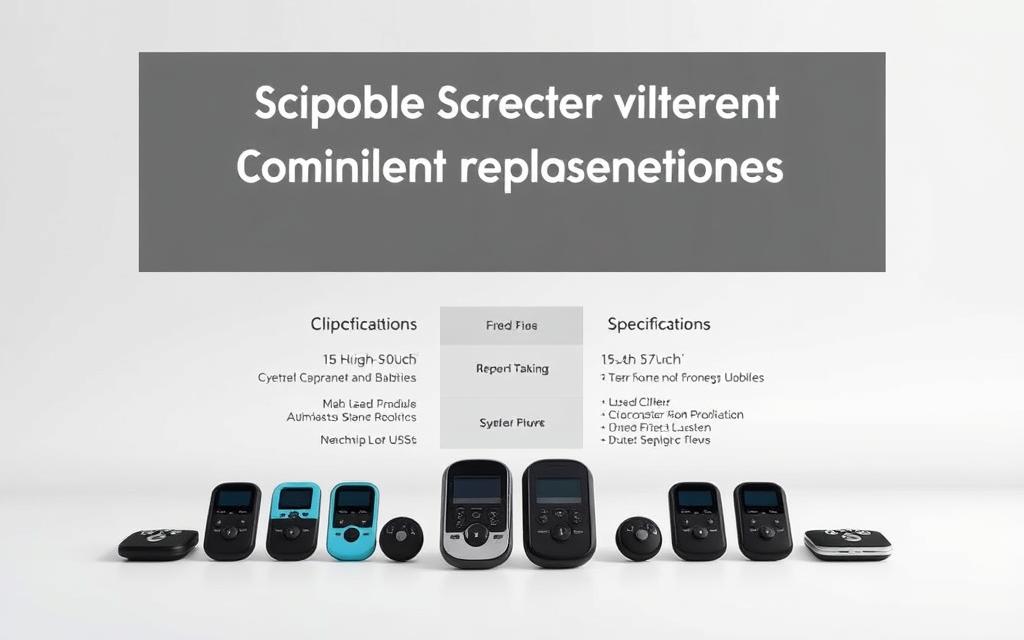
Institutions should look at integration, user experience, and support when choosing. The top clicker brands meet various educational needs and technical setups.
Turning Technologies: Hardware and Software Integration
Turning Point systems work well with presentation software, especially Microsoft PowerPoint. They focus on reliable hardware and comprehensive software.
Their devices are built to last and have long battery life. This makes them great for big lecture halls. The software lets teachers create interactive presentations with questions and track responses in real-time.
Turning Technologies has several benefits:
- Direct PowerPoint integration without extra apps
- Robust hardware for consistent performance
- Advanced data analysis for tracking assessments
iClicker: A Focus on User-Friendly Design
The iClicker system makes learning easy for everyone. It’s a hit at many universities because of its support.
It’s easy to use, fitting many subjects. The design keeps focus on teaching, not tech.
iClicker offers remotes and apps for different classrooms. Its cloud system makes managing classes easy.
Poll Everywhere: Web-Based and BYOD Approach
Poll Everywhere uses devices students already have. It’s web-based, cutting down on costs.
It works on phones, tablets, and laptops. This makes it great for places with good wireless.
Poll Everywhere has many question types. It shows results live, making discussions more engaging.
Top Hat: Comprehensive Educational Platform
Top Hat is more than just a response system. It includes textbooks, attendance, and assignments.
It’s a complete system for the classroom. It offers detailed analytics on student performance.
Top Hat works well with learning management systems. It also has its own content marketplace. This is good for schools looking for a full solution.
Each provider has its own strengths. The best choice depends on the school’s needs, budget, and teaching goals.
Implementing Clicker Technology: A Strategic Guide
Integrating classroom response systems into your classroom needs careful planning. A strategic approach ensures your technology investment benefits education. It also helps avoid common challenges.
Selecting the Right System for Your Educational Context
Choosing the right clicker system is key for success. Consider class sizes, technology infrastructure, and student device ownership. These factors help you make the best choice.
Systems vary, with some needing dedicated hardware and others using web-based platforms. Think about whether you need standalone systems or ones that work with your learning management systems.
Cost is a big factor in choosing technology. Look at both initial costs and ongoing expenses like software and maintenance. Also, consider the need for device replacements over time.
Best Practices for Rollout and Faculty Training
Good faculty training is crucial for clicker success. Teachers need to know how to use the technology and how it supports learning.
Training should show how clickers aid in active learning and assessment. It’s helpful for teachers to see examples of effective question design and classroom management.
Setting up a peer observation programme is a great idea. It lets teachers see how others use clickers in class. This offers insights into different teaching styles.
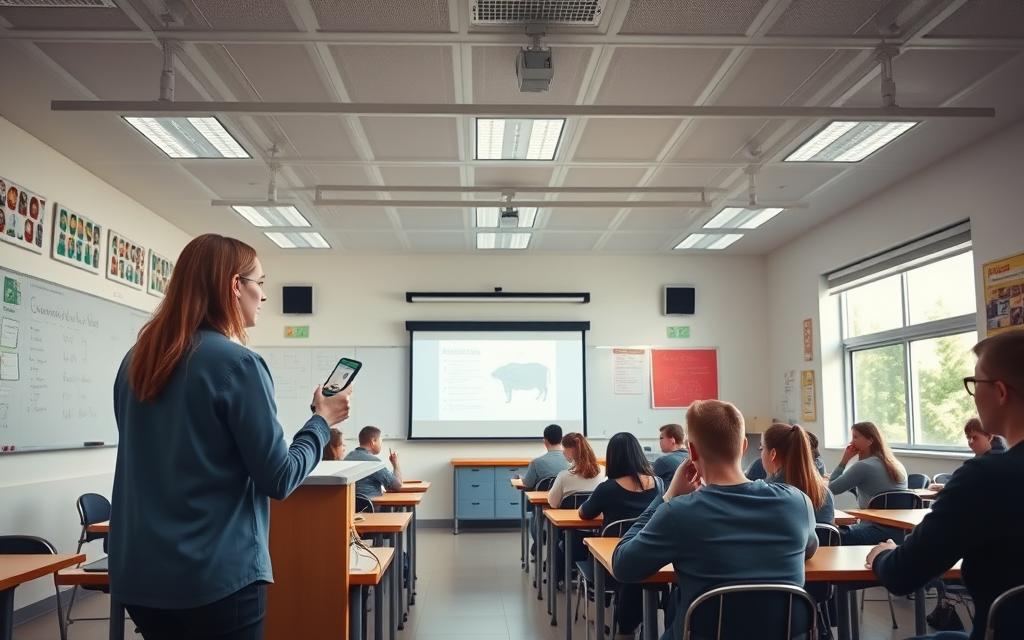
When introducing clickers to students, explain why you’re using them. Use them regularly, about 3-4 times an hour, to show their value.
Developing Pedagogically Sound Question Libraries
Creating good clicker questions is more than just asking simple facts. Questions should make students think critically, discuss, and reveal any misconceptions.
Good questions often challenge students or spark debate. They should have plausible wrong answers that highlight common misunderstandings.
Here are some tips for creating your question library:
- Make sure questions match your learning goals
- Include questions that require application and analysis
- Design questions that encourage discussion
- Vary question types to keep students engaged
For help, check out Derek Bruff’s blog and the CU-SEI guide. They offer great advice on creating effective questions. Don’t use clickers for high-stakes tests, as it can reduce their learning benefits.
Listening in on peer discussions helps you understand student thinking. It also shows you what areas need improvement. This feedback is invaluable for refining your teaching and question design.
The Future of Classroom Response Systems
Classroom technology is changing fast. Schools are moving towards more flexible systems. These use what they already have and give deeper insights.
Integration with Learning Management Systems
LMS integration is a big step forward. Modern clickers work right inside platforms like Canvas and Moodle. They’re not just separate tools anymore.
This makes learning smoother. Attendance and quiz results update automatically. Teachers can create polls right in their courses, without extra software.
With LMS integration, teachers get detailed analytics. They can see how responses link to grades. This helps them help students who are struggling.
The Shift Towards Bring-Your-Own-Device Models
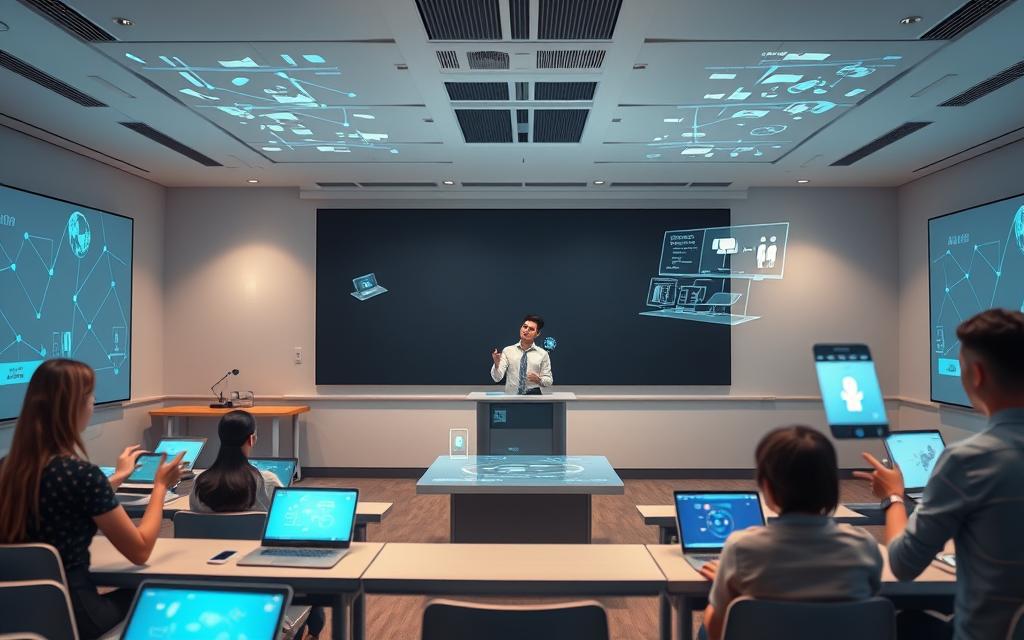
The BYOD trend has changed how we use response systems. Now, students use their own devices. This means no need for special hardware.
It saves money and makes classes bigger. The BYOD trend is great for large groups without extra costs.
Let’s look at the benefits of BYOD over old clickers:
| Feature | Traditional Clicker Systems | BYOD Response Systems | Implementation Impact |
|---|---|---|---|
| Hardware Requirements | Dedicated handheld devices | Student-owned smartphones/laptops | Reduced institutional cost |
| Setup Time | Device distribution and collection | Instant app/web access | Increased instructional efficiency |
| Scalability | Limited by device inventory | Unlimited participant capacity | Better for large lectures |
| Data Integration | Often standalone systems | Direct LMS connectivity | Enhanced analytics capabilities |
Emerging Trends: Gamification and Advanced Analytics
Gamification in education is making learning fun. Systems now use points, leaderboards, and badges to keep students engaged.
These elements turn questions into games. Studies show gamification in education boosts participation by 40%.
Advanced analytics are also changing the game. Modern systems use AI to understand student responses. They can predict how well students will do.
These insights help teachers see where students need help. They get reports that show what to focus on. This makes teaching more effective.
Together, these technologies are creating powerful classrooms. Response systems are becoming key tools for learning, not just for polls.
Conclusion
Clicker technology has become a key part of modern education. It has moved beyond simple voting tools to become a powerful teaching aid. It’s based on active learning and formative assessment, making it crucial for today’s teaching methods.
Using these systems brings many benefits. They increase student involvement, offer quick feedback, and help with different teaching styles. To use them well, you need to think about the tech, how to teach with them, and the cost. Companies like Turning Technologies, iClicker, and Poll Everywhere provide different options for schools.
Looking ahead, classroom response systems will keep getting better. They will work better with online learning tools and let students use their own devices. New ideas like making learning fun and using data in new ways will make them even more useful. This shows how important clicker technology is in schools.
In short, classroom response systems are a game-changer when used right. They make learning more engaging and effective. These tools help create better, more interactive classrooms in schools everywhere.
FAQ
What is clicker technology or a Classroom Response System (CRS)?
Clicker technology, also known as a Classroom Response System (CRS), is a system that gathers real-time responses from students. It aims to improve interaction, accountability, and assessment. It’s a key part of active learning, not just for polling.
How has clicker technology evolved over time?
It started with early, bulky systems like Classtalk. Then, it moved to infrared and radio frequency remotes. Now, it uses software like iClicker Reef and Poll Everywhere. These systems work with students’ own devices, making learning more flexible and accessible.
What educational theories support the use of clicker technology?
It’s based on Active Learning Theory, which focuses on student participation. It also uses formative assessment to check understanding often. This approach, along with Peer Instruction, helps deepen learning through discussions.
How does a clicker system work during a live class?
In class, the teacher asks a question, and students answer with their devices. The system shows the answers in real-time. This lets the teacher adjust the lesson or review student progress, making learning dynamic.
What are the main benefits of using clickers in education?
Clickers boost student participation and check understanding in real-time. They support different teaching methods and include all students. This makes learning more engaging and inclusive.
What challenges might institutions face when adopting clicker technology?
Challenges include technical issues and integrating clickers into lessons. There’s also the cost of hardware and software. Plus, designing questions that encourage critical thinking is a challenge.
Who are the leading providers of classroom response systems?
Leading providers are Turning Technologies, iClicker, and Poll Everywhere. Each offers unique features to meet different educational needs.
How can an institution successfully implement a clicker system?
Success comes from choosing the right system and training teachers well. Developing good questions that promote active learning is also key.
What is the future of classroom response systems?
The future includes more BYOD models and deeper integration with Learning Management Systems. Trends like gamification and advanced analytics will also play a role.
Are clicker systems compatible with Bring-Your-Own-Device (BYOD) approaches?
Yes, systems like Poll Everywhere and iClicker Reef support BYOD. This makes learning more flexible and cost-effective for schools.
Can clicker technology be used for purposes other than multiple-choice questions?
Absolutely. Systems can handle open-ended questions, word clouds, and more. This lets teachers promote critical thinking and varied assessments.
